No products in the cart.
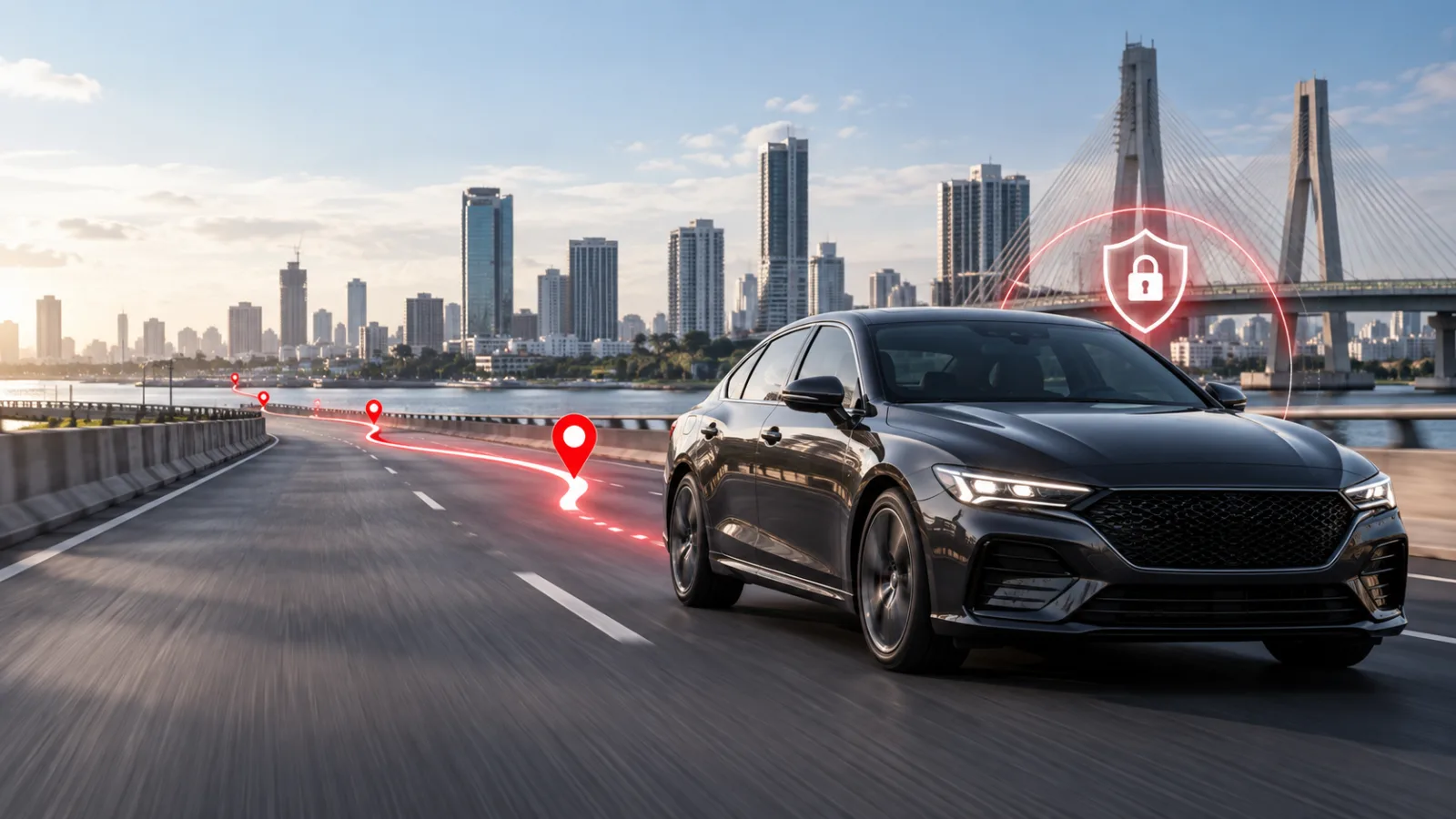
Quick answer: Modern vehicle tracking is built around exceptions. Instead of watching a map all day, users define the situations that deserve attention and allow the platform to surface them. Geofences, movement alerts, ignition events and remote-control support are powerful tools, but each one must be configured and used responsibly.
What you will learn
Geofencing turns places into events
A geofence is a digital boundary drawn around a location or area. When a tracked vehicle enters or leaves that boundary, the platform can record the event and notify selected users. Common examples include offices, depots, customer sites, restricted zones and a family home.
Useful geofences are neither too small nor too numerous. Boundaries should reflect a real decision, such as confirming arrival, identifying unauthorised movement or measuring time spent at a site.
- Arrival and departure confirmation
- After-hours depot movement
- Restricted-area monitoring
- Customer-service verification
Ignition, movement and power alerts
Ignition alerts indicate when the vehicle is switched on or off. Movement alerts can help when a parked vehicle changes position, while power alerts may reveal a battery problem or device disconnection that needs attention.
The value comes from context. A 7 a.m. ignition event may be normal for a delivery van but unusual for a private car expected to remain parked. Configure schedules and recipients around the actual operating pattern.
- Select alerts that require action
- Avoid sending every alert to every manager
- Review repeated alerts for underlying causes
Using remote shutdown support responsibly
Remote shutdown is a serious control feature, not a casual convenience. Depending on the device, installation and operating situation, an authorised command may help immobilise a vehicle under controlled conditions.
Safety must come first. Commands should follow the provider’s procedures and should never create danger for occupants or other road users. Access should be restricted, authenticated and auditable.
- Limit command permission to trusted users
- Confirm vehicle status before action
- Maintain an operational escalation procedure
Designing an alert policy that people will follow
An alert policy explains which events matter, who receives them, what they should check and when to escalate. Personal users can keep this simple; fleets should define different workflows for security, safety, maintenance and customer service.
Ciska IQ centralises events and history so alerts can be investigated with the surrounding journey information. That context helps teams respond consistently rather than reacting to isolated notifications.
- Name an owner for each alert type
- Set response expectations
- Review alert usefulness monthly
- Document false alarms and adjust rules
A practical action plan
A strong vehicle-tracking rollout starts with one clearly defined vehicle, the people authorised to use it and the events that genuinely require attention. Confirm installation quality, test the platform with a real journey and record the support route before treating the service as operational.
- Geofencing turns places into events: Arrival and departure confirmation
- Ignition, movement and power alerts: Select alerts that require action
- Using remote shutdown support responsibly: Limit command permission to trusted users
- Designing an alert policy that people will follow: Name an owner for each alert type
Ciska Hybrid Pro connects personal-vehicle tracking with Ciska IQ, bringing live visibility, journey history and smart alerts into one experience. The technology works best when owners keep their access secure, review important settings and follow a safe response procedure.
Frequently asked questions
Can a geofence be used for several locations?
Yes. A platform can support multiple named geofences, subject to the account configuration.
Is remote shutdown always immediate?
Command timing depends on connectivity, device configuration and safety rules. Follow the provider’s approved procedure.
Why am I receiving too many alerts?
Rules may be too broad or duplicated. Review schedules, thresholds, recipients and geofence sizes to reduce noise.
Take the next step with Ciska
This guide becomes more useful when the ideas are connected to the right hardware, installation and tracking software. For this topic, start with Ciska Hybrid Pro.
Continue reading
Choose connected hardware and Ciska IQ software for cars, fleets, delivery bikes, cold cargo and inland vessels. Live tracking, journey history, geofences and smart security alerts. Fleet visibility, driver insight, operational alerts and business reporting. Multi-customer fleet intelligence for tracking companies and enterprise teams. Location and temperature visibility for food, medicine and sensitive cargo. Compact GPS tracking for dispatch bikes and last-mile delivery fleets. Route history, location visibility and operating-area alerts for inland vessels. Vehicle diagnostics with authorised-driver identification and accountability. A connected probe for reliable cold-chain and sensitive-cargo temperature data.Explore the Ciska ecosystem View all products →One tracking family. Every kind of movement.
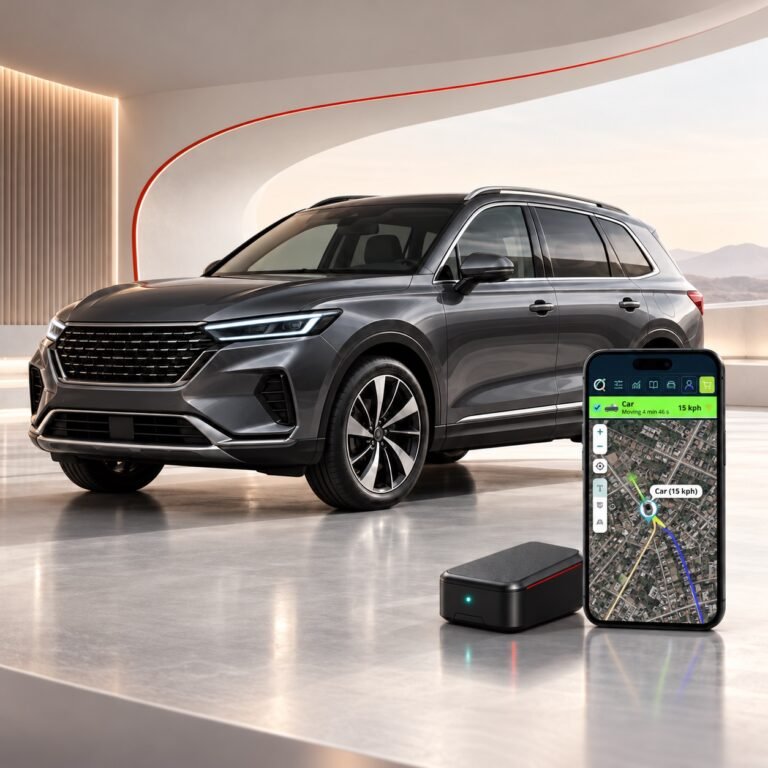 Personal vehicle protection
Ciska Hybrid Pro
₦80,000.00View Ciska Hybrid Pro →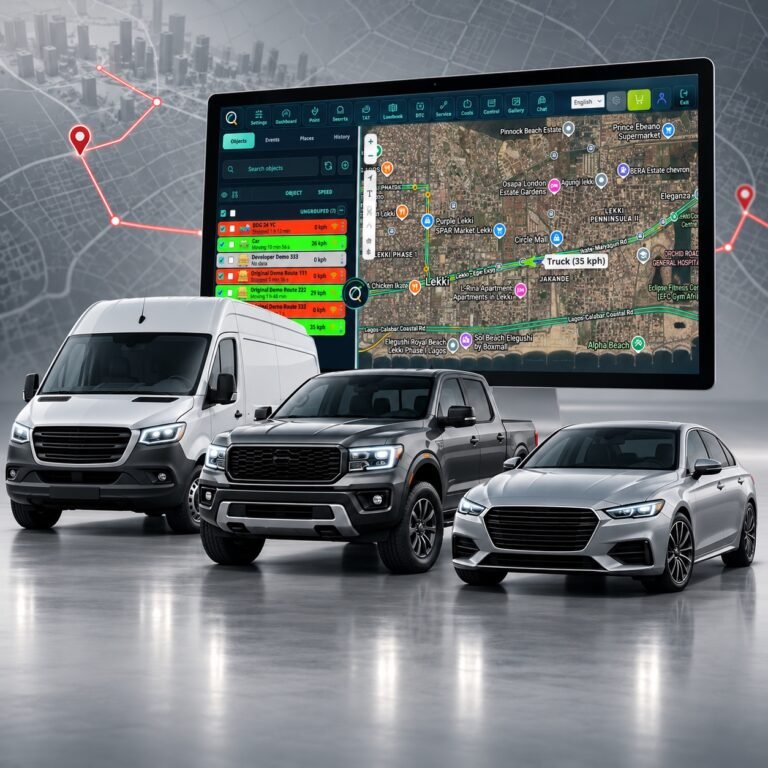 Fleet operations
Ciska Fleet Pro
₦85,000.00View Ciska Fleet Pro →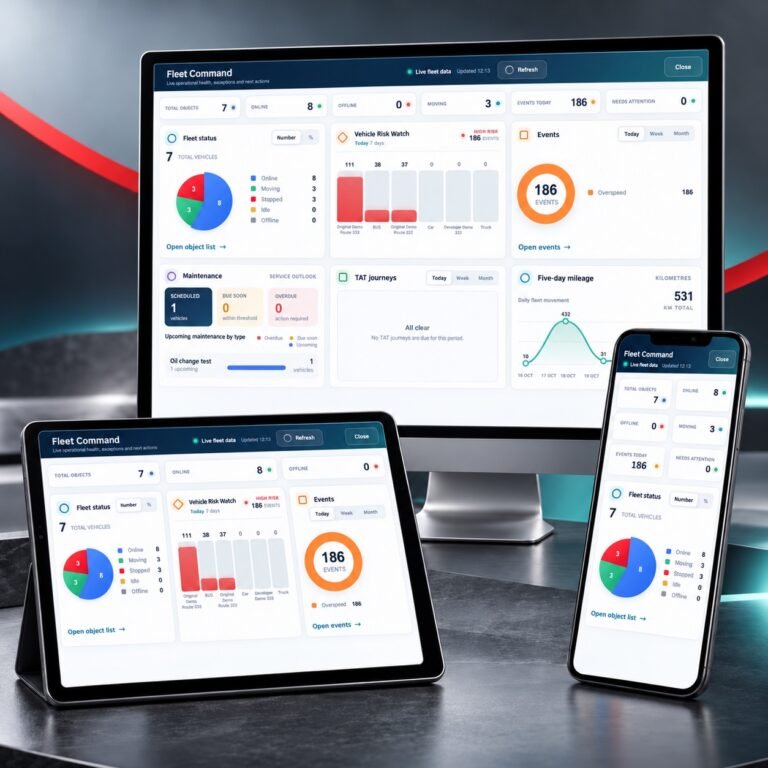 Tracking software
Ciska IQ AI Tracking Platform
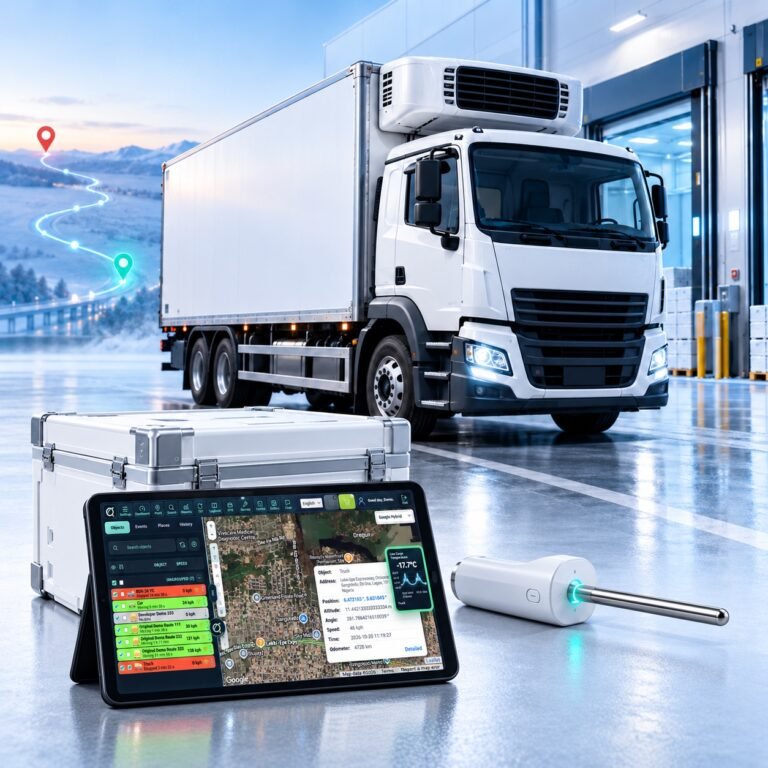 Cold-chain monitoring
Ciska Cold
₦265,000.00View Ciska Cold →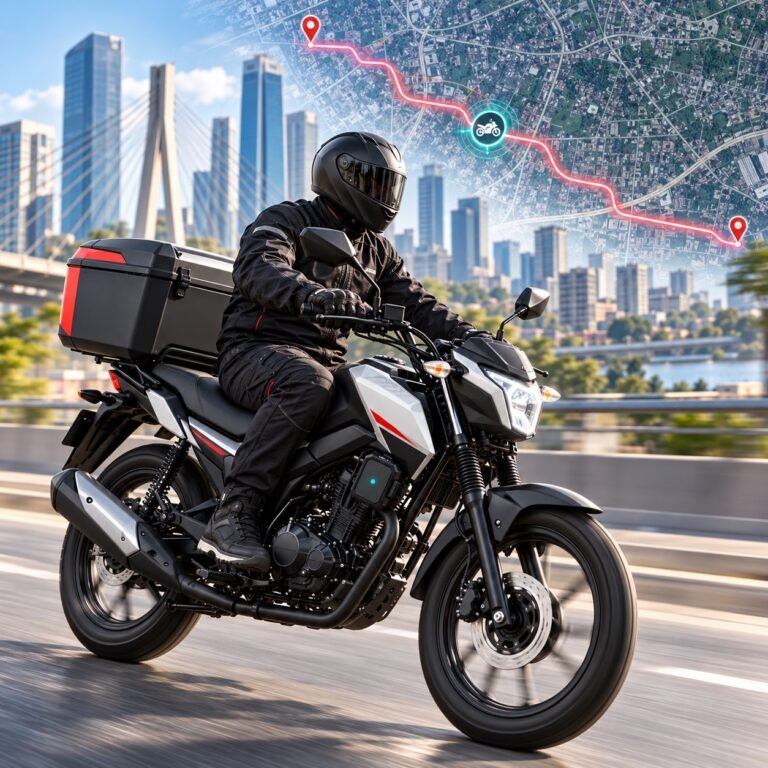 Bike and delivery tracking
Ciska Dispatch
₦70,000.00View Ciska Dispatch →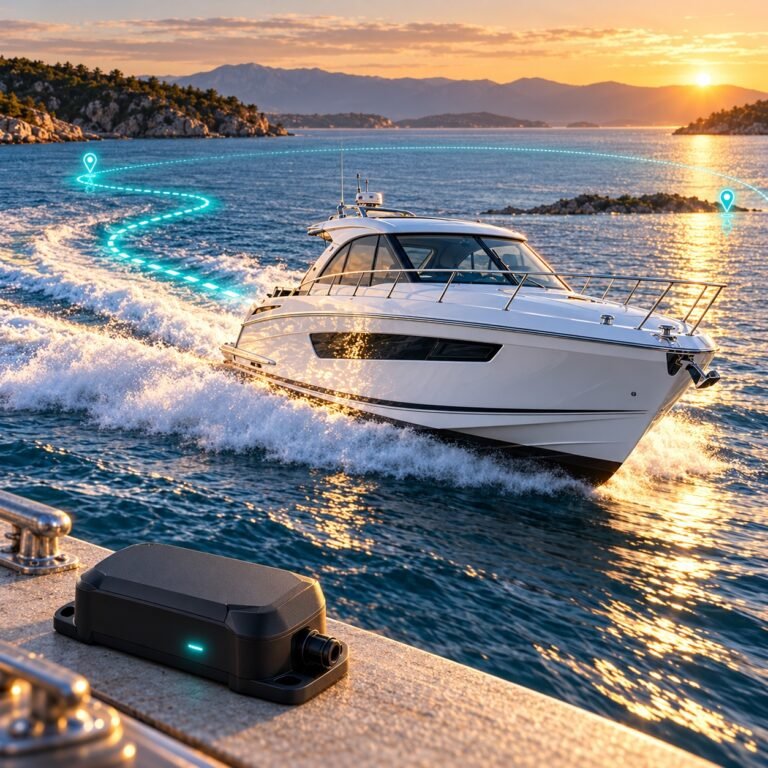 Marine tracking
Ciska Boats
₦80,000.00View Ciska Boats →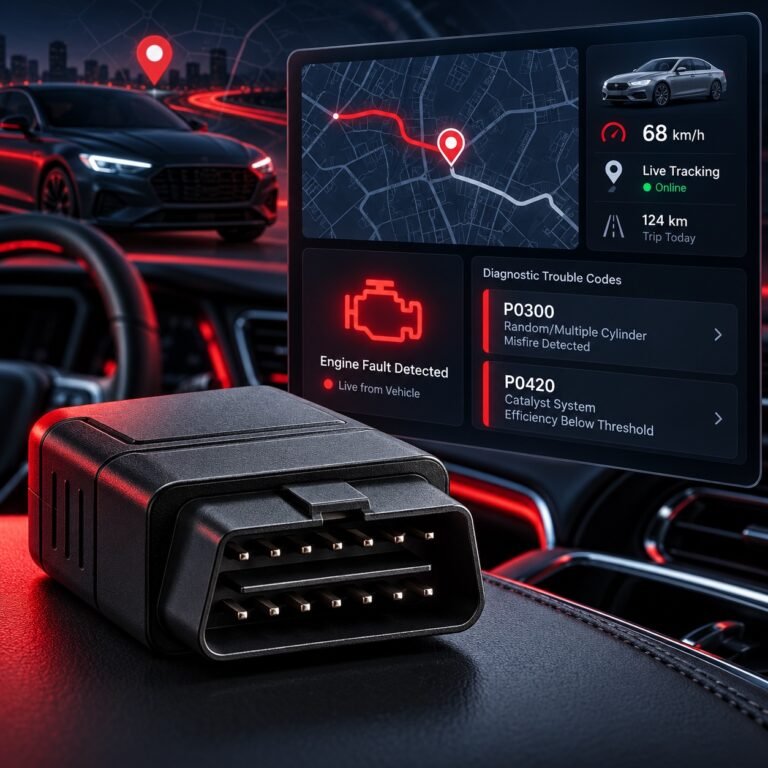 Diagnostics and driver ID
Ciska OBD-II + RFID
₦140,000.00View Ciska OBD-II + RFID →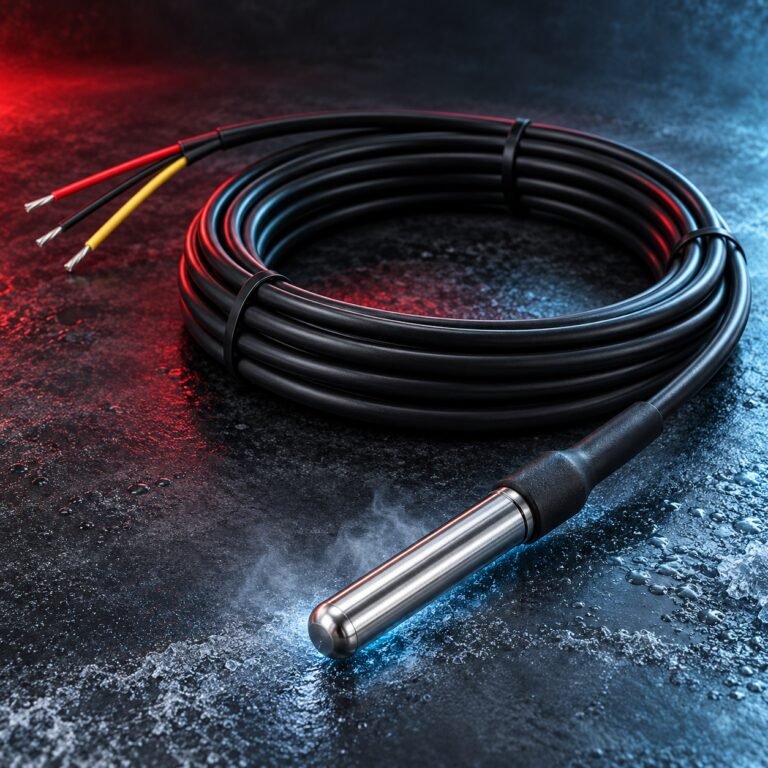 Temperature sensing
Ciska Temperature Probe
₦55,000.00View Ciska Temperature Probe →